How to analyze 1,000+ competitor ads with AI

You are testing thousands of ads a month. Every new batch forces a decision: which ideas deserve more production time and budget, and which should you leave behind?
Competitor research can help. It shows the arguments other advertisers keep putting in front of customers, the situations they use to make a problem matter and the new directions they are exploring. You want to understand those choices before committing your own resources to another round of tests.
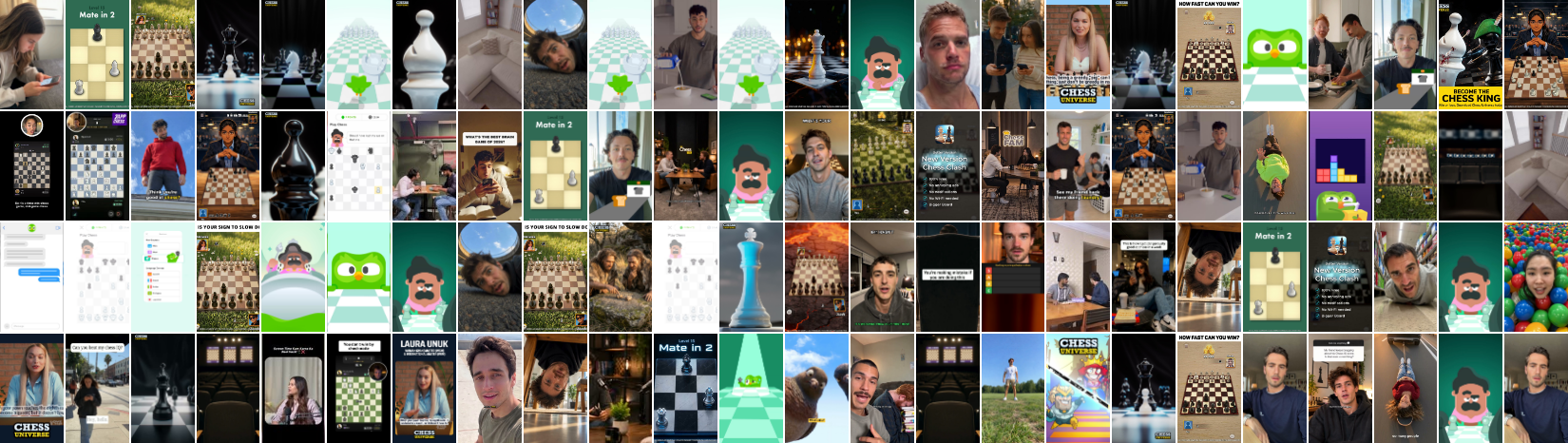
BUT you have your own creative pipeline to run. Your competitors are launching thousands of ads too. You cannot manually watch every one, and by the time you finish a research pass, there is another batch to review.
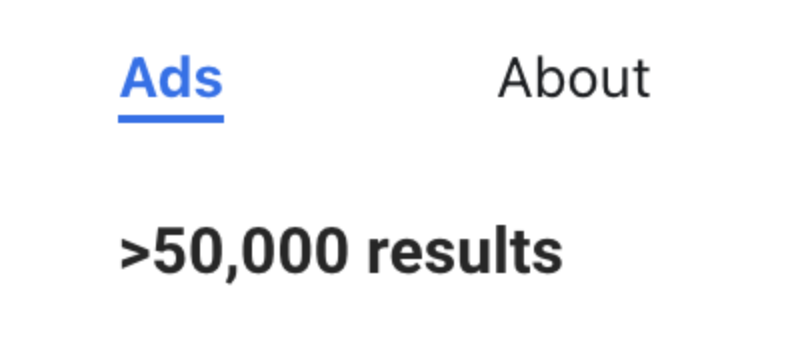
So you open a competitor’s Meta Ad Library. More than 50,000 results. And there are plenty of other competitors, direct and indirect. Where do you start?
In this piece I am going to walk you through how to do this with AI. The skill, which we describe and share below, collects the ads, analyzes their media and proposes creative families: groups of ads built around a similar argument or narrative sequence.
By the end, you can open the report, inspect the ads in each cluster and see where to investigate further. For this exercise, we’ll use a language learning advertiser as the example.
1. The 2 big questions to answer
With a competitive analysis like this, the 2 big questions you want to answer are:
a. What are their likely top performers? For this, have the skill analyze the ten ads with the most impressions, where that ordering is available. Impressions help identify ads to investigate; they do not tell you which ads converted profitably.
b. What are they testing now? For this, have the skill analyze the most recently launched ads.
For the most recently tested ads, you can analyze the most recent 100, or you can also define recent activity by date: start with seven days, extend to fourteen or twenty-eight if the set is thin, or cap a busy period at 100 or 200 ads. Once you get the hang of the process and are comfortable with the expense, you can analyze 1000+ ads.
Choose a sample you can afford to process and review. Record the actual coverage, dates and anything the skill could not inspect.
If time is very limited, start with the top 2-3 ads and deconstruct them beat by beat. We will cover that method in the next article in this series.
2. How to run the competitor ad analysis skill
Give the agent this prompt
Use the Competitor Ad Analysis skill for [Meta Ad Library advertiser link]. Start with the top ten by verified impressions ordering, then expand to the top 100. Separately analyze the latest 100 ads. Keep the two samples identifiable, including any overlap.
Group ads by their main argument and narrative sequence. Keep setting and emotion separate. For each group, show its definition, members, counts in each sample, representative ads and uncertain assignments. State the actual coverage and any missing media or unverified ranking.
Produce one report with the recent-ad clusters and the separate top-ad selection. Save the report and media in [folder on my computer].
3. What is in the skill’s finished report
Here are the most important elements of the skill’s output that you can review and use.
View the sample HTML report · Download the sample PDF
Cluster overview
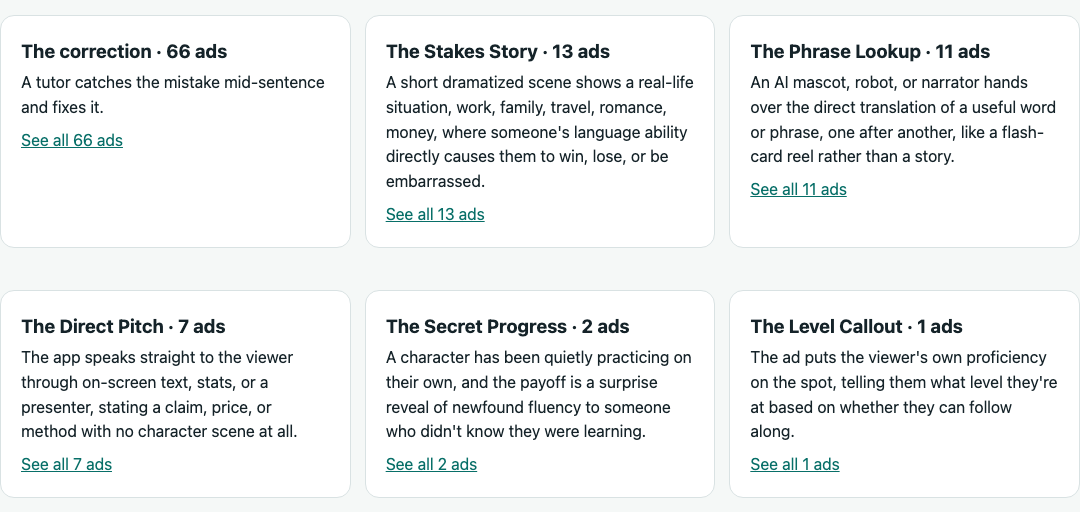
Although this sample contains 100 recent ads, the skill groups them into six creative families. This overview makes the main testing directions visible at a glance. It lists each family’s definition and the number of ad records assigned to it. Each card links to the complete gallery for that family.
The ads in each cluster
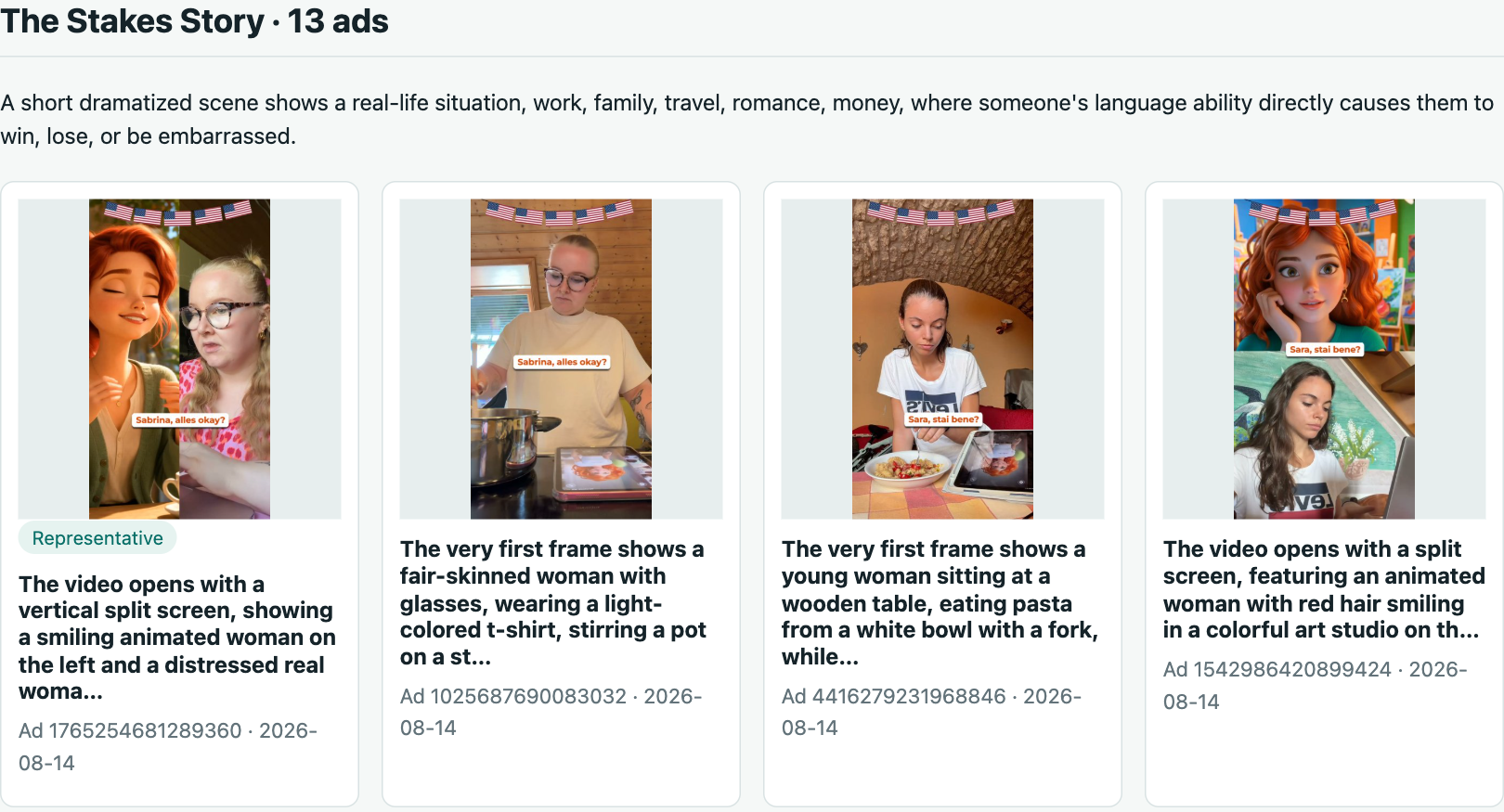
Each cluster has its own section with a definition and a gallery of the ads assigned to it. The cards show thumbnails, opening descriptions, ad IDs and recorded dates; selected examples carry a Representative label. Below are the first four members of The Stakes Story, which contains 13 records in this sample.
Top 10 Collection
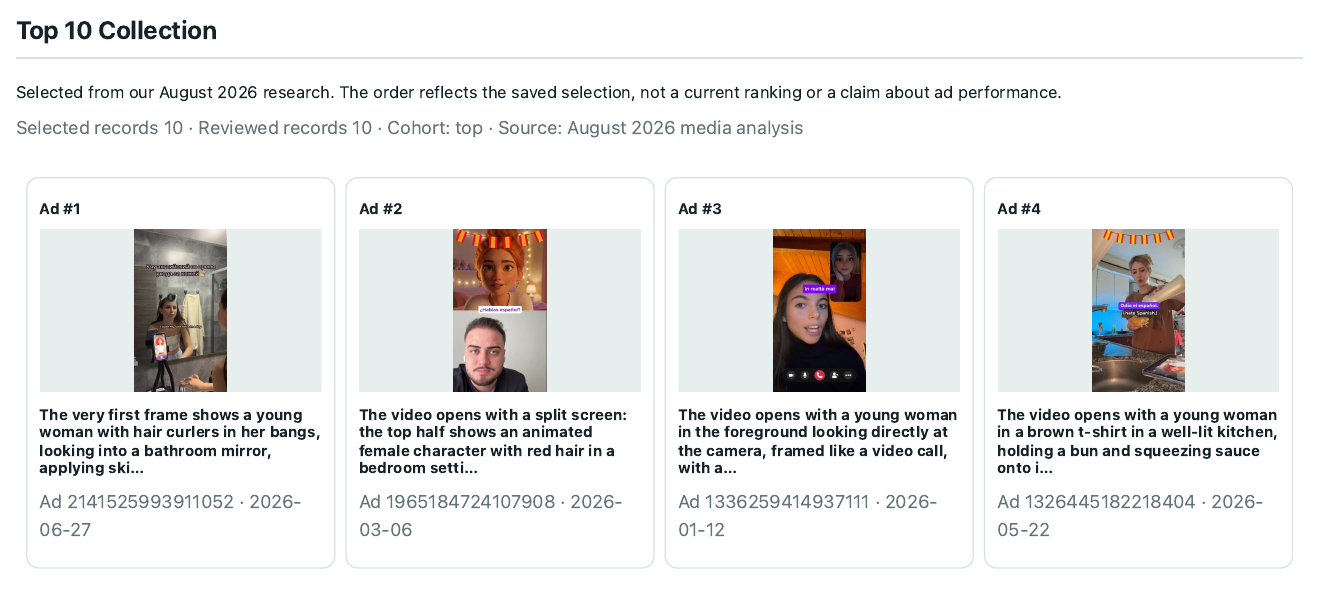
The Top 10 Collection appears in its own gallery, separate from the recent-ad clusters. This example contains the ten ads selected in our August 2026 research, in their saved order. Below are the first four; the full HTML and PDF contain all ten. This is a historical example, not a current performance ranking.
The individual ad records
Expand Detailed per-ad analysis for the individual records. Each contains the source link, captured ad copy and available analysis fields, including the summary, hook, mechanic, spoken words and on-screen text. This excerpt shows three fields from one record.
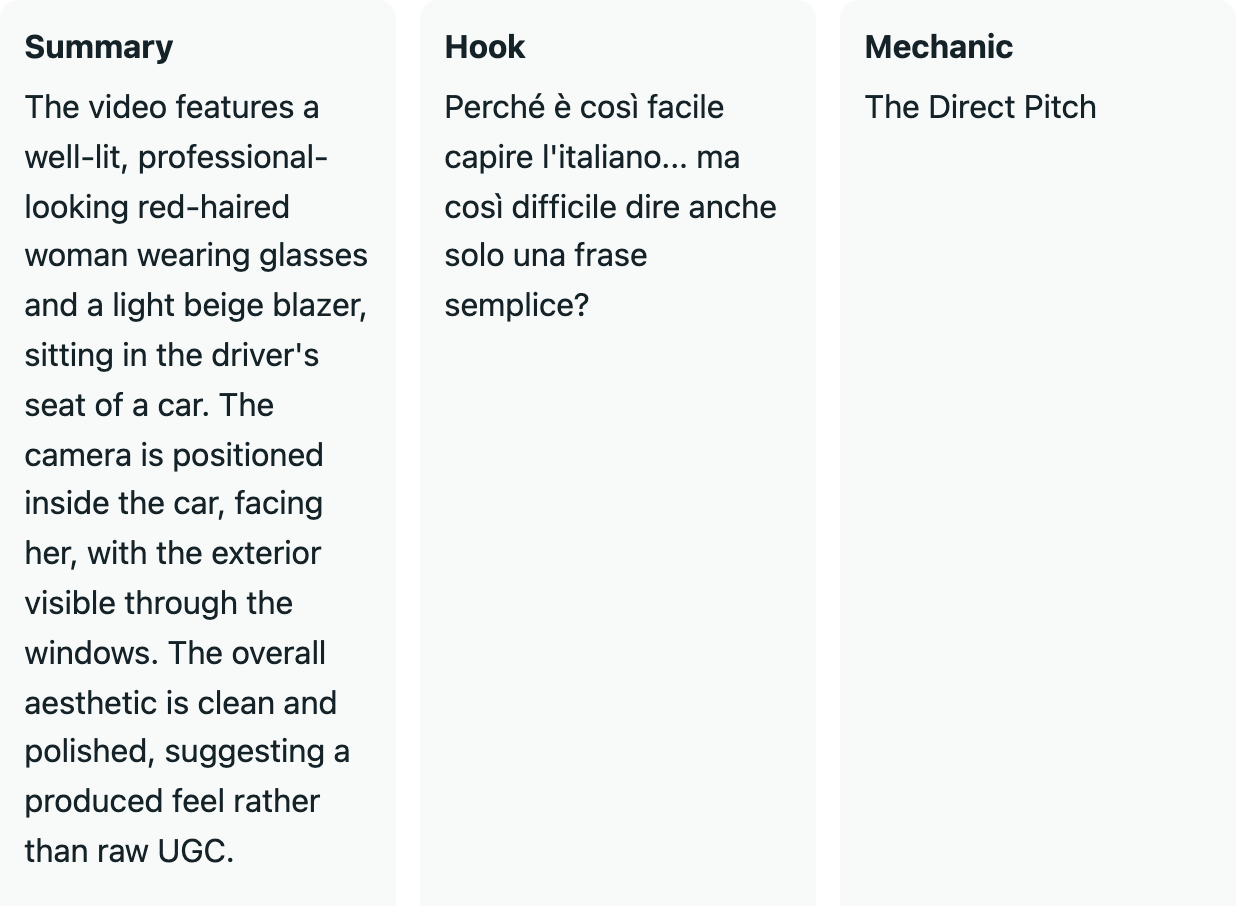
The shared example uses thumbnails and Google Drive source links. Reports generated from locally downloaded videos also include playable videos in this section.
This gives you a clear, organized analysis of the competitor ads you selected, whether you start with 100 or expand to 1,000+.
The question then becomes: what next? What should you do once you have this analysis? The point is not to hang this up on a wall and forget about it.
How do you translate that into your next set of concepts to test? That is what we will talk about in the next article in this series.
Published